



Screen Time and Dry Eyes: How Digital Wellness Glasses Help
Staring at screens for hours can reduce your blink rate dramatically, causing dry, irritated eyes that eye drops only temporarily soothe. Digital wellness glasses may improve comfort by cutting glare and visual strain during long work or gaming sessions, but they work best alongside better blinking habits, regular breaks, and proper workspace lighting rather than as a standalone fix.

How Screen Time Leads to Dry Eyes
Prolonged digital device use changes the way we blink. According to guidance from the American Academy of Ophthalmology, normal blink rates of roughly 15–20 times per minute often drop to about 5–7 blinks per minute while focusing on computers or screens. This reduced blinking allows the tear film to evaporate faster, leaving the eye surface drier and more irritated.
A review published in the National Library of Medicine links digital screen use with dry eye disease, largely through these altered blinking dynamics and tear-film instability. The result is a cluster of symptoms many office workers, gamers, and students recognize: gritty or burning sensations, fluctuating vision, and overall eye fatigue after extended sessions.
These effects appear across common scenarios. Office professionals glued to multiple monitors, gamers in late-night sessions, and students tackling long reading or coding tasks all face similar risks when focus reduces natural blinking. Environmental factors such as air conditioning, fans, or low-humidity rooms can worsen evaporation even further.

The Role of Digital Wellness Glasses
Digital wellness glasses, often featuring anti-reflective coatings or mild tints, primarily help by reducing screen glare and minimizing visual discomfort. This can make long work periods feel less taxing, especially in brightly lit offices or setups with overhead lights that create reflections on monitors.
However, evidence remains bounded on their direct impact for dry eyes. Sources such as the Mayo Clinic emphasize that management of digital eye strain should focus first on behavioral changes—frequent blinking, the 20-20-20 rule, and optimizing lighting—rather than relying solely on eyewear. Glasses may support comfort in glare-heavy environments, but they do not restore normal blink rates or replace the need for breaks.
Many users wonder specifically whether blue light glasses help with dry eyes. The answer is nuanced: they are better viewed as a comfort or glare-reduction accessory than a proven treatment for dry eye disease. Relief often stems from reduced perceived harshness rather than addressing the core evaporation issue caused by infrequent blinking.
Practical Thresholds for Decision-Making
Understanding a few key numbers helps separate when habits alone may suffice from when adding glasses could be a reasonable comfort step.
When Habits May Be Enough vs When Glasses May Be Reasonable
Blinking drops sharply during screen use; habit-first care usually comes before considering comfort glasses.
View chart data
| Category | Blink rate / suitability index |
|---|---|
| Normal blinking | 18.0 |
| Screen use (typical) | 6.0 |
| Low screen time | 85.0 |
| Moderate with breaks | 55.0 |
| High uninterrupted | 25.0 |
Illustrative, evidence-bounded guide. Blink rates are based on AAO-reported normal blinking (about 15-20/min) versus screen use (about 5-7/min). The scenario categories are heuristic: low screen time, moderate screen time with breaks (20-20-20 and intentional blinking), and high uninterrupted screen time. The suitability index is not a clinical score; it is a practical relative guide showing when habits are likely enough and when adding comfort-focused glasses may be reasonable as an adjunct, not a replacement for habits.
This illustrative chart shows how blink rate plummets during screen use and provides relative suitability for habit-focused approaches versus adding glasses across different usage patterns. The numbers are practical guides drawn from ophthalmology sources, not clinical measurements of specific products.
Myth vs Reality: What Glasses Can and Cannot Do
Several common misconceptions circulate about eyewear for digital eye strain.
Myth: Blue light glasses cure or prevent screen-related dry eyes. Reality: They may help reduce glare and improve subjective comfort in some setups, but they do not directly fix reduced blinking or tear-film evaporation. Behavioral habits usually deliver more impact.
Myth: If my eyes feel dry, the right pair of computer glasses will fix it. Reality: Dryness tied to screen time often stems from infrequent blinking. Glasses can feel more comfortable when glare is an issue, yet symptoms frequently return without breaks or conscious blinking.
Myth: Any relief from wearing digital wellness glasses means they treat the underlying problem. Reality: Perceived relief often comes from less visual strain rather than addressing the root cause. Persistent symptoms warrant evaluation by an eye-care professional.
These distinctions matter because expecting a cure from eyewear alone can lead to disappointment. A comprehensive review of digital eye strain highlights that effective management combines reduced glare, better lighting, frequent breaks, and blinking awareness.
Common Pitfalls and How to Avoid Regret
Real users often get stuck in a few predictable ways when trying glasses for screen time dryness. The top regret is treating eyewear as a complete solution instead of a comfort supplement. Many buy a pair, wear them for a week, and feel frustrated when dryness persists during marathon work or gaming sessions.
Other frequent missteps include choosing frames that slide or press uncomfortably after hours, skipping anti-reflective coatings in bright offices, and ignoring environmental factors like dry air or fan placement. Some expect instant results after only 10–15 minutes of wear instead of evaluating comfort across full workdays.
To avoid these issues, use this practical checklist before purchasing:
- Confirm your main complaint involves screen glare or visual fatigue alongside dryness.
- Commit to trying the 20-20-20 rule—every 20 minutes, look 20 feet away for 20 seconds—for at least two weeks first.
- Check that any glasses you consider include quality anti-reflective coatings and a comfortable, secure fit.
- Test in your actual environment: office lighting, monitor height, and typical session length.
- Track whether symptoms improve with deliberate blinking and better hydration alongside the glasses.
- If dryness occurs even away from screens or feels severe, consult an eye-care professional rather than relying on consumer eyewear.
How to Choose the Right Digital Wellness Glasses
When selecting eyewear for reducing eye fatigue and dryness during screen time, focus on features that support all-day comfort rather than marketing claims about blue light blocking alone.
Prioritize anti-reflective coatings to minimize glare from monitors and overhead lights. Lightweight frames with adjustable nose pads help maintain fit during long hours without pressure points. Clear or lightly tinted lenses often work better for most office and study tasks than heavily colored options that can distort colors during design or reading work.
For gamers or those in variable lighting, look for options that balance light transmission while reducing harsh reflections. Consider your prescription needs—many digital wellness glasses can be ordered with corrective lenses if required.
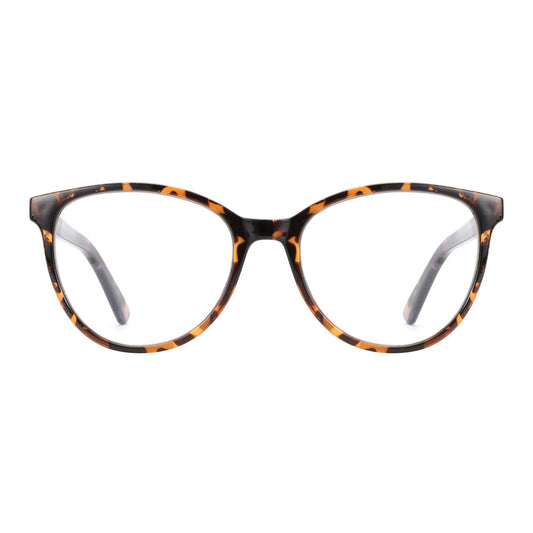
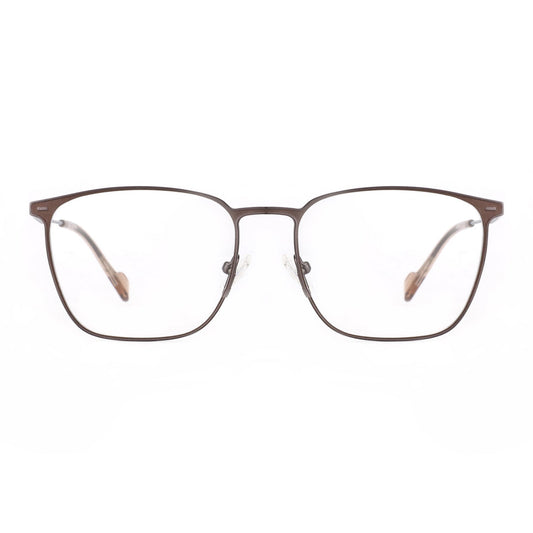
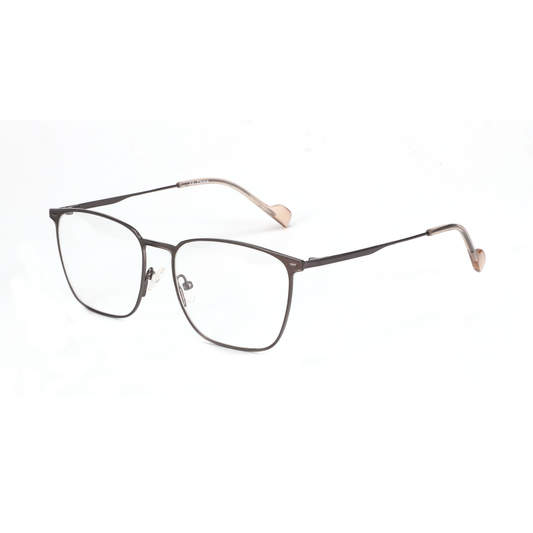
Compare styles suited to your daily routine. Metal half-rim designs offer a professional look for office use, while acetate frames provide trendy options for casual or creative environments. Test multiple pairs if possible, as subtle differences in weight and temple pressure become noticeable after six or more hours of wear.
Our guide on choosing blue light blocking glasses offers more detail on lens tints, coatings, and frame fit considerations.
When Glasses May Help Most—and When They Won't
Digital wellness glasses tend to provide the most noticeable comfort benefit when your primary triggers are glare, harsh screen brightness, or visual fatigue during predictable long sessions. They serve well as part of a broader strategy that includes proper monitor positioning, room lighting adjustments, and consistent blinking reminders.
They are less suitable as the main solution if symptoms appear even during non-screen activities, if your workspace has uncontrollable environmental dryness, or if you cannot incorporate breaks. In those cases, addressing root causes through habits or professional care delivers better results than adding another pair of glasses.
For contact lens wearers experiencing dryness, switching to glasses during heavy screen days can sometimes bring immediate relief by eliminating lens-related dehydration, as noted in practical eyewear transition advice.
Building Better Digital Eye Habits
While glasses can support comfort, lasting improvement usually requires attention to daily behaviors. Practice conscious blinking during focused tasks. Position screens slightly below eye level to reduce exposed eye surface area. Ensure adequate room lighting to prevent pupils from working too hard against dark backgrounds.
The 20-20-20 rule remains one of the simplest and most effective interventions. Staying hydrated and using a humidifier in dry offices or during winter months can also reduce tear evaporation.
For more comprehensive eye care strategies beyond screens, our article on how to take care of your eyes in daily life covers nutrition, environment, and additional protective habits.
Final Thoughts on Managing Screen-Related Dry Eyes
Screen time and dry eyes are closely connected through reduced blinking, yet the solution rarely lies in any single product. Digital wellness glasses can make long work or gaming sessions more comfortable by addressing glare and strain, particularly when chosen with attention to coatings, fit, and realistic expectations.
They complement rather than replace foundational habits like regular breaks, conscious blinking, and workspace optimization. If symptoms remain bothersome despite these steps, an eye-care professional can provide personalized guidance.
This article discusses comfort and setup considerations for digital eye strain. It does not constitute medical advice, diagnosis, or treatment. If you experience persistent dry eyes, irritation, or vision changes, consult a qualified eye-care professional for proper evaluation and care.
References
