



The Digital Wellness Eyewear Ecosystem: Protecting Your Eyes in 2026
The Digital Wellness Eyewear Ecosystem: Protecting Your Eyes in 2026
In 2026, the digital wellness eyewear ecosystem offers targeted solutions that go well beyond generic blue light glasses. By matching lens type, frame design, and added features to your specific screen habits, room setup, and prescription needs, you can reduce perceived eye strain, minimize glare distractions, and support better focus during long work or gaming sessions. The key is choosing the right category for your primary scenario rather than chasing universal claims.
Related Guides

Understanding the Digital Wellness Eyewear Landscape in 2026
Screen time continues to dominate both professional and leisure hours. Remote workers often log 6–10 hours across laptops and external monitors, while gamers push through extended sessions that combine intense visual tracking with bright displays. Many experience common discomforts such as dryness, headaches, or reduced concentration, which are heavily influenced by viewing distance, room lighting, monitor brightness, and whether corrective lenses are already in use.
The ecosystem now includes several specialized categories. Computer glasses typically emphasize anti-reflective coatings and intermediate-distance optimization for desk work. Gaming glasses add tints or contrast-enhancing filters aimed at reducing glare during fast-moving play. Prescription computer glasses combine vision correction with screen-specific focal tuning, which proves especially useful in multi-monitor setups. Smart audio frames integrate lightweight speakers or bone-conduction audio for calls, music, and podcasts while keeping the face free of traditional earpieces.
This guide synthesizes observations across deep work, gaming, prescription, and smart-audio use cases to help you decide which solution fits your daily pattern. Effectiveness depends on real-world fit: a well-chosen pair worn consistently usually delivers more practical benefit than a theoretically perfect pair left on the desk.

Core Decision Framework: Match Eyewear to Your Primary Scenario
Rather than comparing products feature-by-feature in isolation, start with a constraint-first filter based on your actual workflow. First determine whether you need vision correction at intermediate distances. If yes, prescription-compatible options generally take priority. Next assess whether your main friction is static desk glare, dynamic gaming contrast, frequent movement between devices, or the desire for integrated audio.
Room and setup factors matter more than marketing labels. Bright windows or reflective monitors can overwhelm many lens coatings, so adjusting your environment often amplifies any eyewear benefit. Fixed viewing distances favor tuned prescription computer glasses, while variable laptop-to-monitor distances may feel more natural with flexible non-prescription computer glasses.
The scenario matrix below illustrates how the best-fitting category typically shifts. These are illustrative relative scores (0–10) based on common user patterns around fixed distance, glare sensitivity, prescription dependence, and audio convenience. Higher scores indicate stronger alignment with that scenario's typical comfort, glare management, and focus needs.
Illustrative Fit Scores for Digital Wellness Eyewear in 2026
Illustrative fit scores based on common user scenarios and setup factors
View chart data
| Series | Multi-monitor deep work | Gaming sessions | Hybrid work | Audio-first use |
|---|---|---|---|---|
| Computer glasses | 8 | 4 | 7 | 2 |
| Gaming glasses | 4 | 9 | 3 | 1 |
| Prescription computer glasses | 9 | 5 | 8 | 1 |
| Smart audio frames | 3 | 2 | 4 | 9 |
Derived from the constraint_first_filter and scenario_matrix modules. Scores are bounded illustrative fit estimates (0-10) based on scenario alignment with common setup factors such as fixed viewing distance, glare sensitivity, prescription need, and audio convenience. Use for decision guidance, not as measured performance data.
This radar visualization makes the trade-offs immediate. For example, prescription computer glasses score highest for multi-monitor deep work because they address both correction and a consistent working distance. Gaming glasses score highest for interactive sessions where contrast and reduced screen flicker perception matter. Smart audio frames dominate when hands-free listening is the daily priority.
Practical Checklist: How to Choose in Your Room or Setup
Before purchasing, run through these five setup checkpoints. They translate abstract factors into executable decisions and help avoid buying a category that will sit unused.
- Measure your primary viewing distance. Fixed distances around 50–70 cm favor prescription computer glasses tuned for intermediate focus. Variable distances across laptop and monitors often feel better with standard computer glasses that maintain clarity across a broader range.
- Assess room lighting and reflections. If bright windows or overhead lights create persistent glare, prioritize anti-reflective coatings and consider simple environmental fixes first. No eyewear fully compensates for uncontrolled bright conditions.
- Identify your dominant activity. Long-form reading or coding sessions align with deep-work computer glasses. Competitive or story-driven gaming benefits from options designed for sustained visual comfort and reduced perceived flicker. Hybrid days with meetings and content creation often suit versatile frames that transition easily.
- Factor in prescription needs. If you already require correction, start with prescription computer glasses or high-index lenses that incorporate screen-friendly optimizations. High-prescription users in particular often report lighter weight and less fatigue when switching from contacts to properly fitted 1.74 index lenses.
- Decide whether audio integration adds real value. Smart audio frames make sense only if you regularly take calls, listen to podcasts, or want music without traditional headphones. Otherwise the added charging and potential audio compromise may outweigh convenience.
These checkpoints align with common patterns seen in deep work eyewear for 10-hour screen days and prescription computer glasses for multi-monitor setups.
Computer Glasses for Everyday Screen Comfort
Computer glasses remain the most versatile entry point for many remote workers and knowledge professionals. They typically feature anti-reflective coatings that cut screen glare and lenses optimized for the 50–80 cm intermediate zone common in desk work. When chosen with lightweight acetate or metal frames that sit comfortably under over-ear headphones, they support all-day wear without temple pressure.
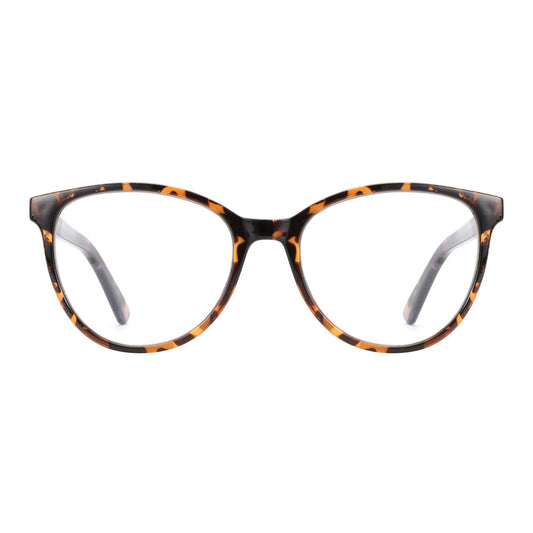
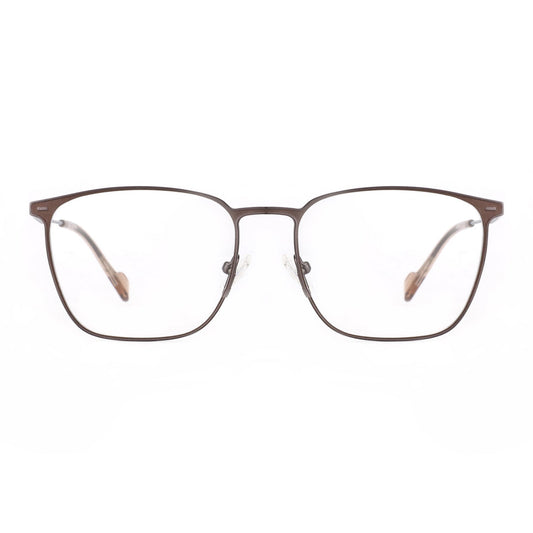
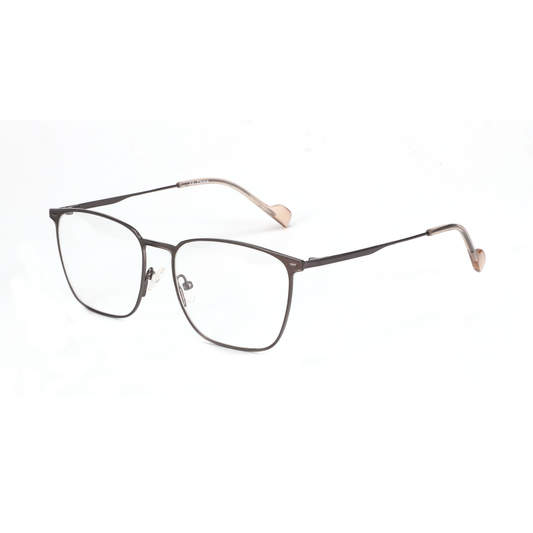
Popular options in this category include the Zenottic Howard with its classic square profile and the Zenottic Aurora designed specifically for glare reduction. For users who want both style and performance, the Zenottic Trevor pairs 1.74 high-index lenses with blue-light filtering elements.
These frames work especially well in controlled office or home setups where the main goal is sustained focus rather than specialized gaming contrast. As noted in technical discussions of lens materials, higher-index options reduce edge thickness and overall weight, which improves comfort during extended wear.
Gaming Glasses: Focus on Session Comfort and Glare Control
Gaming glasses move beyond generic filtering to address the specific visual demands of extended play. Many incorporate subtle tints that can improve contrast perception on dark scenes while anti-reflective coatings reduce overhead light bounce. The real value often comes from thoughtful frame design that avoids pinching when paired with headphones or VR headsets.
Our in-depth review Gaming Glasses That Actually Work: Beyond the Blue Light Hype highlights that consistent wear during long sessions, combined with proper room lighting, usually matters more than any single lens technology. Look for low-profile temples and flexible materials if you switch between desk play and immersive setups.
Gamers who already need prescription correction should explore gaming-compatible prescription lenses rather than layering non-prescription glasses over contacts, which can increase dryness.
Prescription Computer Glasses for Multi-Monitor Productivity
For the large segment of users who require vision correction, prescription computer glasses eliminate the compromise of using distance lenses at screen range. These are optimized for intermediate focal lengths, reducing the need to tilt the head or hunch forward. This posture improvement often translates into less neck strain alongside visual comfort.
The Zenottic Riley offers a geometric acetate design suitable for both professional and casual settings. High-index 1.74 lenses are particularly helpful for stronger prescriptions because they keep the lenses thinner and lighter, a point explored in Contact Lens Fatigue: Why High-Prescription Wearers Are Switching to 1.74 Glasses.
When selecting, verify that the optician understands your exact monitor distances. Small adjustments in focal power can make a noticeable difference in multi-monitor environments.
Smart Audio Glasses: Convenience Layer for Modern Workflows
Smart audio frames add a different kind of value by merging lightweight eyewear with open-ear audio. In 2026 models, improved battery life and sound quality have made them practical for commuters, hybrid workers, and anyone who wants to stay connected without bulky headphones. They can serve as a secondary pair for calls and background audio while primary optical glasses handle intensive screen work.
Our analysis Smart Audio Glasses in 2026: Gimmick or Everyday Essential? concludes that they shine when audio convenience is a daily need but are less ideal as the sole solution for heavy visual workloads. Comfort under prolonged wear and the discipline to keep them charged determine long-term satisfaction.
Common Pitfalls and When Not to Buy
Avoid purchasing solely on marketing claims. Many users regret buying gaming glasses for office work because the tint can feel unnatural under office lighting. Conversely, basic computer glasses may under-deliver during intense gaming if contrast and flicker sensitivity are the real issues.
Smart audio frames are rarely the right first choice if your primary complaint is visual fatigue from monitors; the audio benefit does not substitute for proper lens optimization. Similarly, do not expect any eyewear category to fully offset poor ergonomics, excessive screen brightness, or unadjusted room lighting.
If you wear over-ear headphones regularly, prioritize frames with slim, flexible temples to prevent pinching. The dedicated guide No More Pinching: The Best Glasses to Wear With Over-Ear Headphones offers practical frame-selection criteria.
Building Your Personal Digital Wellness Stack
Most people benefit from one primary pair matched to their longest daily activity, plus a secondary option for specific needs. A remote worker might use prescription computer glasses at the desk and smart audio frames for walking meetings. A gamer could choose dedicated gaming glasses for evening sessions while relying on everyday computer glasses during the day.
Consider your collection within the broader Eyeglasses or Blue Light Blocking Glasses ranges. Acetate frames often provide durability and comfort for all-day use, while newer lightweight designs suit active hybrid lifestyles. The Best Selling Products collection highlights frames that have proven popular across multiple use cases.
For men seeking versatile styles, the Men Eyeglasses selection includes both classic and contemporary options compatible with prescription and non-prescription lenses.
Final Guidance for 2026
The digital wellness eyewear ecosystem rewards specificity. Evaluate your dominant screen scenario, run the setup checklist, and select the category that solves your actual friction rather than the one with the most features. When chosen and used consistently within a well-lit, ergonomically sound environment, these tools can meaningfully improve daily comfort and perceived focus.
This article provides general guidance on comfort, glare reduction, and use-case fit. It does not constitute medical advice, diagnosis, or treatment. Eyewear choices affect subjective experience and depend heavily on individual vision, room conditions, and device settings. If you experience persistent discomfort, headaches, or have existing eye conditions, consult a qualified eye-care professional. Results vary and no product guarantees specific physiological outcomes.
Start by identifying your primary scenario using the radar chart and checklist above. From there, explore the linked resources and collections to find frames that match both your optical needs and personal style. The right pair becomes part of a sustainable workflow rather than another gadget to manage.
