



Digital Eye Strain: The Ultimate Guide to Computer Vision
Summary
Digital Eye Strain (DES), also known as Computer Vision Syndrome (CVS), is a group of eye and vision-related problems that result from prolonged computer, tablet, e-reader, and smartphone use. In 2026, as digital integration reaches new heights through spatial computing and high-refresh-rate displays, understanding the physiological impact of screen time is essential for maintaining long-term ocular health. This guide provides a comprehensive framework for identifying symptoms, optimizing digital environments, and selecting advanced lens technologies to mitigate the risks of modern digital life.
Key takeaways
- Identify Early Symptoms: Recognize that DES often manifests as blurred vision, dry eyes, and neck pain before significant visual fatigue sets in.
- Optimize Your Environment: Implement the 20-20-20 rule and adjust workstation ergonomics to reduce musculoskeletal and visual stress.
- Leverage Lens Technology: Utilize blue light filtering and anti-reflective coatings to minimize high-energy visible (HEV) light exposure and screen glare.
- Address Modern Display Tech: Be aware of how OLED pulse-width modulation (PWM) and spatial computing (VR/AR) introduce unique strain factors compared to traditional LCDs.
- Consult Professionals: Regular comprehensive eye exams are the only way to differentiate temporary strain from underlying refractive errors.
Understanding Digital Eye Strain in the Era of Spatial Computing
As we navigate 2026, the definition of a "screen" has expanded. We are no longer just looking at monitors; we are immersed in spatial environments, augmented reality (AR) overlays, and ultra-high-definition mobile displays. Digital Eye Strain is not a single condition but a spectrum of issues caused by the unique demands digital devices place on our visual system. Unlike reading a printed page, digital screens often have poor contrast, flickering refresh rates, and emit specific wavelengths of light that can disrupt our natural circadian rhythms.
The American Optometric Association (AOA) continues to classify Computer Vision Syndrome as a significant public health concern. The primary drivers include the constant refocusing required by moving digital elements and the reduced blink rate associated with intense screen concentration. While traditional LCD screens were the primary culprits a decade ago, the widespread adoption of OLED and Mini-LED technology has introduced new variables, such as "flicker strain" caused by brightness control methods.
Common Symptoms and How to Recognize Them
Symptoms of digital eye strain often creep up gradually. You might start your workday with clear vision, only to find that by 3:00 PM, the text on your screen appears slightly soft or your eyes feel "gritty." These physical signals are your body's way of indicating that the ciliary muscles—the tiny muscles that focus your eyes—are fatigued.
Common indicators include:
- Visual Fatigue: A heavy feeling in the eyelids or a general sense of tiredness after screen use.
- Dryness and Irritation: Burning or stinging sensations caused by a 60% reduction in blink frequency during digital tasks.
- Headaches: Often localized behind the eyes or in the forehead area.
- Blurred or Double Vision: Difficulty shifting focus between the screen and distant objects.
- Physical Discomfort: Pain in the neck, shoulders, or back resulting from poor "computer posture."
Logic Summary: These symptoms are categorized based on the "Triad of CVS": internal ocular (accommodation/vergence), external ocular (dryness), and extraocular (musculoskeletal). Recommendations for relief must address all three areas to be effective.
The Science of Blue Light and Circadian Health
High-energy visible (HEV) light, commonly referred to as blue light, has been a focal point of digital wellness for years. In 2026, the consensus among optical researchers is that while blue light from screens may not cause permanent retinal damage in typical doses, its impact on the sleep-wake cycle and visual contrast is undeniable. Blue light scatters more easily than other visible light, creating "visual noise" that reduces contrast and forces the eye to work harder to maintain focus.
Furthermore, exposure to blue light in the evening suppresses the production of melatonin, the hormone responsible for sleep. By understanding how blue light glasses protect your eye health, users can make informed decisions about their evening digital habits. Protecting your eyes isn't just about comfort; it's about preserving the biological rhythms that govern overall health.

Advanced Lens Technologies for the Modern Worker
Selecting the right eyewear is the most direct intervention for DES. Modern lenses are no longer just about correction; they are about performance and protection. For those with refractive errors, specialized computer prescriptions can be tailored to the specific distance of your monitor, which is typically further away than standard reading distance.
When considering lens materials, it is vital to look at the refractive index and Abbe value. As detailed in our technical guide to high-index lens materials, materials like the MR™ series polymers (1.61, 1.67, 1.74) offer superior optical clarity and durability. These materials comply with the latest ANSI Z80.1-2025 standards, ensuring that users with high prescriptions don't have to sacrifice visual quality for lens thinness.
Key Lens Features to Consider:
- Blue Light Filtering: Look for lenses that target the 415-455nm range specifically.
- Anti-Reflective (AR) Coating: Essential for eliminating "ghost images" and glare from overhead lighting.
- Photochromic Options: For those who move between indoor and outdoor environments, blue light blocking glasses with photochromic lenses provide seamless protection.
- Flicker-Reduction Coatings: Newer 2026 coatings designed to mitigate the perceived micro-flicker of high-refresh displays.
Ergonomics: Designing Your Digital Sanctuary
Even the best glasses cannot compensate for a poorly configured workspace. Ergonomics is the science of fitting the environment to the user. To prevent physical strain, your monitor should be positioned approximately 20 to 28 inches from your eyes, with the center of the screen 4 to 5 inches below eye level. This "downward gaze" reduces the surface area of the eye exposed to air, helping to maintain the tear film.
Digital Wellness Checklist
| Feature | Optimal Configuration | Why It Matters |
|---|---|---|
| Monitor Height | 15-20 degrees below eye level | Reduces neck strain and eye dryness. |
| Viewing Distance | 20-28 inches (Arm's length) | Minimizes accommodative demand. |
| Lighting | Ambient light equal to screen brightness | Prevents glare and pupil over-activity. |
| Chair Position | Feet flat, knees at 90 degrees | Supports spinal alignment and circulation. |
| Text Size | 3x the smallest size you can read | Reduces squinting and ciliary muscle tension. |
Logic Summary: This checklist assumes a standard desktop setup. For laptop users, an external keyboard and mouse are recommended to allow the screen to be raised to the correct height, preventing "tech neck."
Addressing SERP Gaps: VR, AR, and OLED Strain
While traditional guides focus on monitors, the 2026 landscape requires us to address emerging technologies. Spatial computing (VR/AR) introduces "Vergence-Accommodation Conflict" (VAC). This occurs when your brain perceives an object at one distance, but your eyes must focus on a screen just inches away. To mitigate this, users should limit continuous immersion to 45-minute blocks and utilize specialized inserts if they have a prescription.
OLED displays, while offering beautiful contrast, often use Pulse-Width Modulation (PWM) to control brightness. This can cause "invisible flicker" that leads to unexplained headaches in sensitive individuals. If you experience strain despite having a perfect prescription, consider keeping your OLED brightness above 50% or using a "DC Dimming" software solution if available on your device.
Practical Strategies for Daily Relief
Beyond hardware and ergonomics, behavioral changes are the most cost-effective way to manage DES. The 20-20-20 rule remains the gold standard: every 20 minutes, look at something 20 feet away for at least 20 seconds. This allows the focusing muscles inside the eye to relax.
Additionally, practicing "purposeful blinking" can help combat dry eye. We often forget to blink fully when staring at screens, leading to an unstable tear film. Taking a moment to close your eyes completely for two seconds every few minutes can significantly improve comfort. For a more comprehensive approach, refer to our practical guide to protecting your eyesight.

Choosing the Right Solution for Your Lifestyle
There is no one-size-fits-all answer to digital eye strain. A casual smartphone user has different needs than a professional software engineer or a competitive gamer. When evaluating your options, consider the advantages and disadvantages of blue light glasses to see if they align with your specific usage patterns.
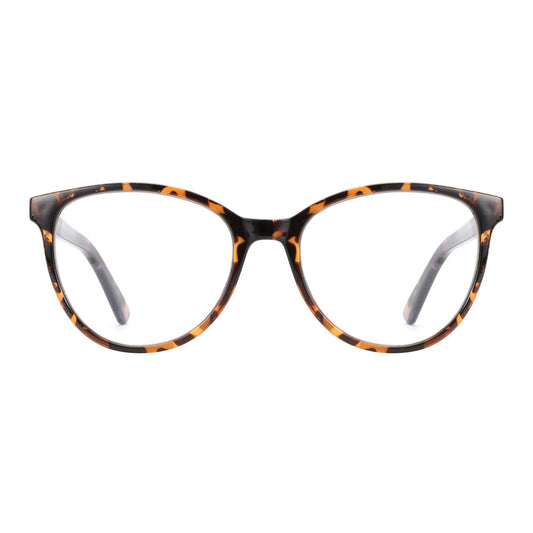
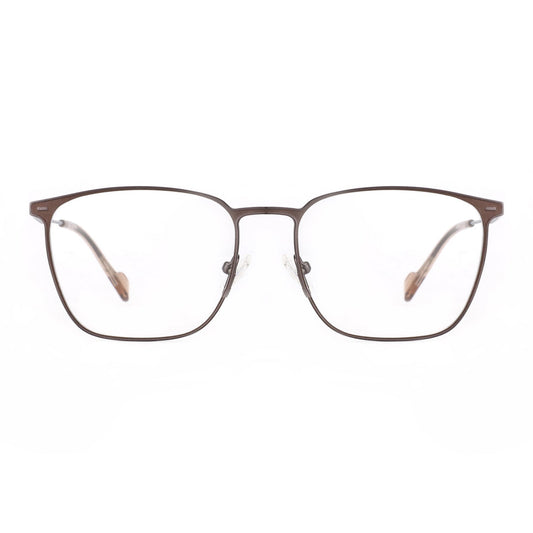
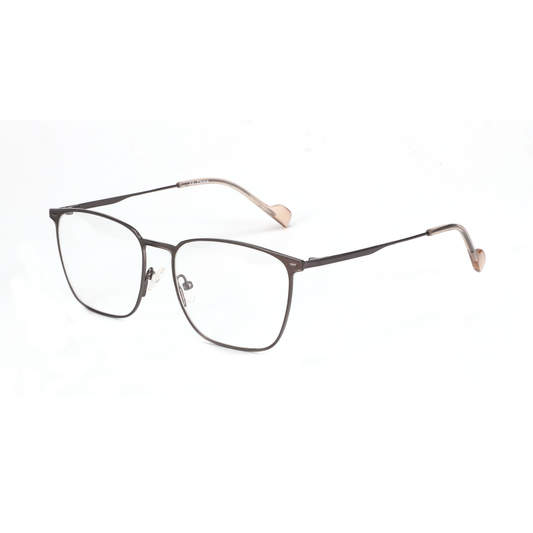
For many, a dedicated pair of computer glasses is the most effective intervention. These are different from standard "readers" or daily-wear glasses because they are optimized for the intermediate zone. You can explore a full collection of blue light blocking glasses to find a style that fits your professional aesthetic while providing the necessary protection.
FAQ
What is the difference between blue light glasses and computer glasses? Blue light glasses specifically filter high-energy visible light and can be made with or without a prescription. Computer glasses are a broader category that often includes blue light filtering but also features a specific lens power optimized for the 20-28 inch viewing distance of a monitor. This specialized power reduces the effort required by your eyes to maintain focus, providing a more comprehensive solution for those spending 8+ hours on digital tasks.
Can digital eye strain cause permanent damage to my eyes? Current medical consensus from organizations like the American Academy of Ophthalmology (AAO) suggests that digital eye strain does not cause permanent structural damage to the eyes. However, it can lead to significant daily discomfort, reduced productivity, and may exacerbate underlying conditions like dry eye syndrome or uncorrected astigmatism. If symptoms persist after implementing ergonomic changes, a professional eye exam is necessary to rule out other issues.
Does dark mode help reduce digital eye strain? Dark mode can be beneficial in low-light environments as it reduces the overall luminance of the screen, which may be more comfortable for some users. However, for reading long passages of text, "positive polarity" (dark text on a light background) is generally recommended because it causes the pupil to constrict, increasing the depth of focus and reducing the need for the eye to work as hard. The "best" mode often depends on your ambient lighting and personal sensitivity to glare.
How do I know if I need a prescription for my computer work? If you find yourself leaning toward the screen, squinting, or experiencing blurred vision that clears up after a few blinks, you likely have an uncorrected refractive error or presbyopia. Even a very small prescription (as low as +0.25 or +0.50) can make a significant difference in comfort during prolonged digital work. A comprehensive eye exam can determine if a "task-specific" prescription is right for you.
Are there specific vitamins or supplements that help with digital eye strain? While no supplement can replace good ergonomics, certain nutrients support overall ocular health. Lutein and zeaxanthin, often found in leafy greens, are known to accumulate in the retina and may help filter blue light naturally from within. Omega-3 fatty acids are also frequently recommended to support the lipid layer of the tear film, which can help mitigate the dryness associated with reduced blinking during screen use.
How often should I replace my computer glasses? Generally, you should have your vision checked every one to two years, or sooner if you notice a change in your comfort levels. Lens coatings, such as anti-reflective layers, can degrade over time due to improper cleaning or environmental exposure. To ensure you are getting the full benefit of your eyewear, keep your lenses clean and replace them if they become significantly scratched or if your prescription changes.
References
Government / Standards / Regulators
- ANSI Z80.1-2025: Ophthalmics - Prescription Ophthalmic Lenses - Recommendations. ANSI Store
- ISO 8980-1:2025: Ophthalmic optics — Uncut finished spectacle lenses. ISO.org
- National Institute for Occupational Safety and Health (NIOSH): Eye Safety. CDC.gov
Industry Associations / Research Institutes
- American Optometric Association (AOA): Computer Vision Syndrome. AOA.org
- American Academy of Ophthalmology (AAO): Digital Eye Strain. AAO.org
- The Vision Council: Digital Eye Strain Reports. TheVisionCouncil.org
Academic / Whitepapers / Labs
- "The Impact of Blue Light-Filtering Spectacle Lenses on Visual Fatigue and Sleep Quality," Journal of Ophthalmic and Physiological Optics (2025).
- "Vergence-Accommodation Conflict in Spatial Computing Environments," MIT Media Lab Research (2026).
Community
- Reddit r/Optometry: User experiences with OLED PWM flickering (Intent only; not authoritative).
- StackExchange - Biology: Discussions on the physiological mechanisms of ciliary muscle fatigue (Intent only; not authoritative).
