



Wearing Glasses Under a VR Headset: Check Clearance Before Long Sessions
Often, yes. Whether your regular glasses fit under a VR headset depends on two things: how much eyewear room your headset model allows, and the size and shape of your frames.
Before a long session, check the headset maker's eyewear guidance and then do a short, gentle fit test. Never force the headset over your frames or let your lenses touch the headset lenses.
Can You Wear Glasses Under a VR Headset?
Every glasses wearer gets the same answer: it depends on your setup. VR headsets don't share one standard for how much room they leave in front of your eyes. Some models list frame size limits. Some include a spacer that adds depth. Others let you move the lenses closer or farther away. A pair that fits one headset easily may press against another.
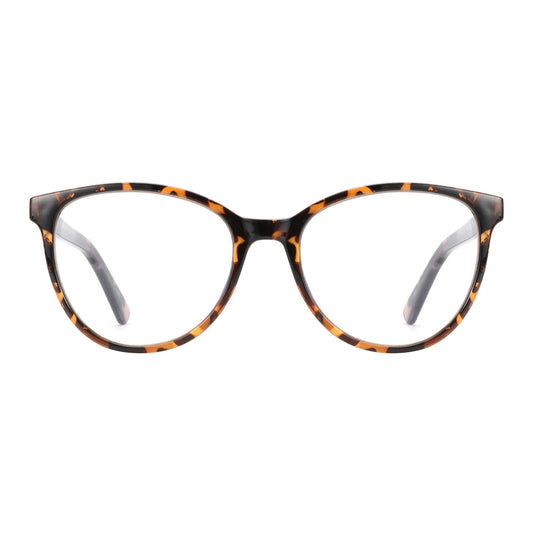
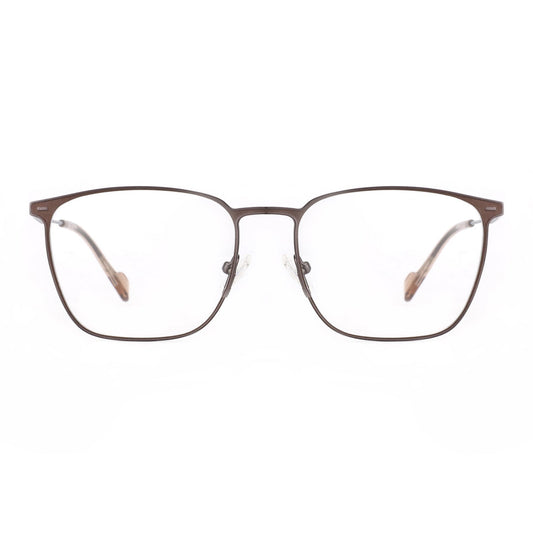
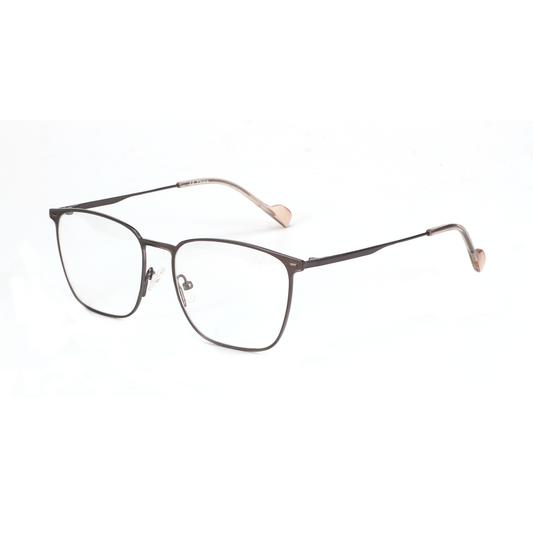
Your frames matter just as much. Two pairs with the same prescription can be very different in width, lens height, and shape. Wide, tall, or strongly curved frames take up more room inside the headset than small, flat ones. If you want a quick refresher on how frame width and lens position relate to your face, our guide to frame fit basics covers the measurements that matter.
So a good VR glasses fit comes from two checks, done in order. First, read your exact headset's eyewear guidance and compare it with your frames. Second, put the headset on gently and look for pressure or lens contact before you settle in for a long session.
Check Your Headset's Eyewear Guidance
Start with the headset maker's own instructions for your exact model. That is the only reliable place to find clearance limits and the adjustments you're allowed to make.
Find the clearance instructions for your exact model
Look in the manual or the maker's support site for a section on wearing glasses. Search with your full model name, since even models from the same brand can use different parts and different instructions. A general VR article or another headset's numbers can't tell you whether your pair fits.
When you find the right page, look for three things:
- Frame size limits. These are usually a maximum width and height in millimeters.
- Spacer instructions. Some headsets come with a spacer that makes room for glasses.
- Permitted adjustments. These can include lens depth, strap tension, or headset angle.
If the guide lists limits, measure your frames and compare. Width is usually measured straight across the front of the frame, and height is the tallest point of the lens opening. A quick look in the mirror is not enough. A few millimeters can decide whether the frames clear the headset. If the guide explains how to measure, follow that method.
Use only documented spacers and adjustments
Spacers and adjustment controls are made for specific models. Install or change them only the way the maker describes for your headset. Two Meta examples show what this guidance can look like.
For the Meta Quest spacer, Meta's glasses spacer instructions say your frames should be 142 mm or less in width and 50 mm or less in height before you install it. That's about 5.6 inches wide and 2 inches tall. The same guide says to gently remove the facial interface (the padded part that touches your face), press the included spacer into its place, and then put the facial interface back on top of the spacer. These limits belong to that spacer guidance. They are not a rule for every VR headset.
Meta Quest 3 handles the problem differently. Its Quest 3 depth adjustment guide says that with the headset off, you can use the eye-relief buttons to change how far the lenses sit from your face or eyeglasses. You tilt the headset arms up, hold the button on one side, slide the facial interface forward or back, and then repeat on the other side so both sides match.
Neither example tells you anything about other Meta models or other brands. If your headset's guide doesn't mention a spacer or depth control, don't improvise one.
Do a Brief Fit Check Before a Long Session
After your frames pass the paperwork check, test the real fit for a few minutes. This short trial shows whether the headset sits comfortably over your glasses before you commit to an hour or more.

Seat the headset gently
- Confirm the setup. Make sure your frames are within any listed limits, and that any spacer or depth setting is one your model supports and is set correctly.
- Loosen the straps first. That leaves room to guide the headset over your glasses without catching the frames.
- Put it on the way your manual says. Several makers say to put the headset on from front to back with glasses. Never push it down over your frames.
- Tighten slowly. Adjust the straps only until the headset feels stable. Don't press it tighter to fix a poor fit.
- Pause and notice. Spend a minute looking around and moving your head before you start a long game or app.

Check for pressure and lens contact
During that minute, check three things. The headset should rest on your face, not push your glasses into your nose or temples. Your frames shouldn't shift or dig in when you turn your head. Your glasses lenses should never touch or rub against the headset lenses, because that can scratch both.
Some makers spell out what to do when this check fails. For the Rift S, Meta's Rift S guidance lists the same 142 mm width and 50 mm height limits and describes the strap, fit wheel, and depth button adjustments. It also recommends taking off your glasses if they don't fit in the headset or if they touch the Rift S lenses. That advice is for the Rift S, but the reasoning is easy to follow on any headset.
If you feel pressure, notice contact, or can only get the headset on by forcing it, don't keep going. Take it off, go back to your model's instructions, and try only the adjustments it lists. If nothing documented works, your current frames may not suit that headset. Passing a short check is a good sign, but it doesn't guarantee comfort for hours. Take a break if anything starts to press.
FAQs
Will my glasses fit under any VR headset?
No single answer covers every headset. Fit depends on your headset model's clearance and adjustments and on your frame size and shape. Check your exact model's eyewear guidance, then do a short, gentle fit test.
Are 142 mm wide and 50 mm tall the limits for all VR headsets?
No. Those numbers come from Meta's glasses spacer guidance and for the Oculus Rift S. Other headsets may list different limits or none at all, so use the numbers in your own model's documentation.
Can I adjust my headset to make more room for glasses?
Sometimes, depending on the model. Meta Quest 3, for example, features documented depth adjustment eye-relief buttons that move the lenses closer to or farther from your eyeglasses while the headset is off, set the same on both sides. Use only the controls your headset's guide describes.
What should I do if my glasses touch the headset lenses?
Stop and take the headset off. Contact can scratch both sets of lenses. For the Rift S, Meta's Rift S instructions recommend removing your glasses if they touch the headset lenses. On any headset, recheck the documented adjustments before you try again.
Is a quick fit check enough before a long session?
It's a useful screen, not a promise. If the headset sits comfortably with no pressure and no lens contact, you're off to a good start. Still, take breaks and stop if your frames start to press.
