



Blue-Light Glasses vs. Night Mode: Do You Need Both?
Night mode and blue-light glasses are not interchangeable. Night mode changes the display itself by making colors warmer and sometimes reducing brightness; glasses are a wearable option that changes what you look through. For most people using one phone or tablet in the evening, try night mode first. Consider blue-light glasses only for a separate eyewear preference or a routine that spans several screens. Use both only when each serves a different purpose, not because combined use is proven to work better.

Blue-Light Glasses vs. Night Mode: Make the First Choice by Your Goal
The best choice starts with the change you want. If you want the screen to look warmer or less bright, use night mode. If you want a wearable option that stays with you as you move between devices, blue-light glasses may fit that preference, but they are not a proven necessity on top of a screen setting.
The American Academy of Ophthalmology explains that night mode shifts a display toward warmer colors and may reduce brightness. That is a screen-side change. Glasses are a wear-side change, and their effect depends on the lenses and how they fit into your normal eyewear routine.
| Option | What it changes | When to consider it |
|---|---|---|
| Night mode | The display's color presentation and, on some devices, its brightness | Start here when one evening device looks too cool or bright |
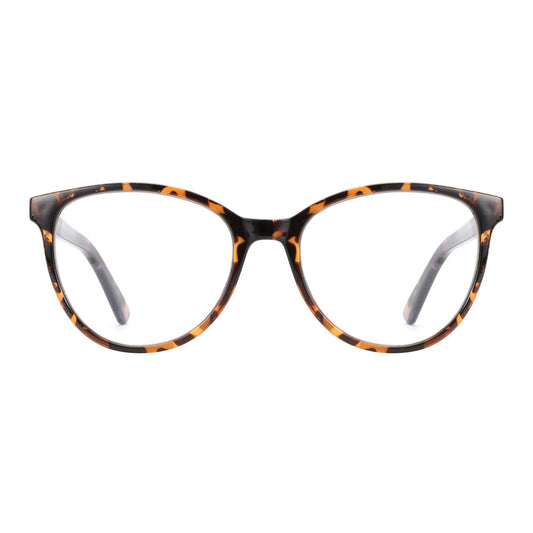
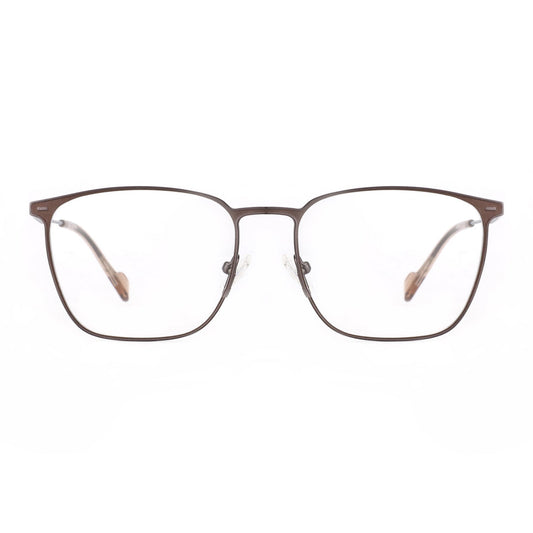
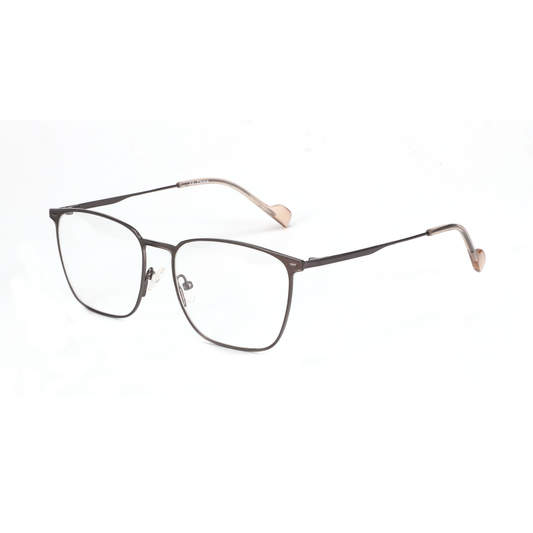
| Blue-light glasses | What passes through the lenses you wear while viewing screens | Consider them for a distinct wearable routine, multiple devices, or a personal preference |
| Both together | The display and the eyewear at the same time | Use both only when a warmer screen and a wearable routine are separate goals |
Evidence does not support presenting blue-light-filtering spectacles as a guaranteed way to reduce computer-related eye strain or improve sleep quality. A Cochrane evidence summary says blue-light-filtering spectacles probably make no difference to computer-related eye strain or sleep quality. That does not determine how every individual experiences a pair, but it does mean you should treat glasses as optional rather than required.
So, do blue-light glasses work with night mode? They can be used together, but "can use both" is not the same as "need both." Choose the night light setting or blue-light glasses according to whether you want to change the screen, your eyewear routine, or both.
Match the Choice to Your Devices and Routine
Your device mix changes the practical answer. A single evening screen favors the simplest device-side adjustment, while a multi-device routine may make a wearable preference more convenient. Neither setup automatically guarantees better comfort or sleep.
For a phone or tablet used mainly at night, night mode is usually the clearest first step when the goal is a warmer or less bright display. Turn it on for the device you actually use, then adjust the brightness to a level that suits the room. This avoids buying glasses when the only change you wanted was on-screen.
A routine that moves from a phone to a laptop, tablet, and monitor creates a different choice. Night mode is device-side, so settings may need to be applied separately on each screen. Glasses can follow you between devices, but that convenience is a preference, not proof that blue-light filtering glasses will produce a better result. If you already wear prescription glasses, prescription accuracy and fit remain separate from any blue-light feature.

Daytime and mixed-use screens do not automatically call for night mode. You can leave the setting off when a warmer display does not suit your work, color-sensitive tasks, or normal daytime routine. You might still consider glasses as a daytime wearable choice, but do not buy them on the assumption that the label guarantees relief.
Before adding another feature, review the setup itself. The AAO recommends matching screen brightness to surrounding light and checking contrast. Also look at reflections, frame fit, lens clarity, prescription needs, and your intended viewing distance. A glare problem, an uncomfortable frame, or a display that is too bright can remain after you add glasses or enable night mode.
Use this scenario split:
- One phone or tablet, evening use: Try night mode first when you want a warmer or less bright display and prefer not to buy anything.
- Several screens, evening or mixed use: Compare the effort of adjusting each device with the convenience of a wearable routine. Do not assume glasses replace every screen adjustment.
- Daytime work plus evening viewing: Use device settings when they suit the task. Consider glasses only if a wearable routine is genuinely useful to you, while keeping fit and prescription needs separate from blue-light claims.
Try the Simplest Setup, Then Add Only What Is Still Missing
Start with the option that directly matches your goal. Add the second option only when it addresses a separate routine preference, and reassess if the combined setup creates distortion, discomfort, or headaches.
- Name the desired change. Decide whether you want a warmer or less bright display, a wearable option across several screens, or both. This answers whether you need a screen setting, eyewear, or a combination of preferences.
- Try night mode for a screen-side goal. Enable the setting on the phone, tablet, laptop, or monitor you use in the evening. Adjust brightness for the surrounding room. Treat this as a practical setup choice, not proof of a medical effect.
- Map the routine across devices. Note whether you use one screen or switch between several. If one device meets the need, keep the simpler setting. If repeated device changes are the main inconvenience, decide whether a wearable routine would genuinely make use easier.
- If you choose glasses, check the physical fit first. Review prescription needs, frame fit, lens clarity, reflections, and viewing distance. Blue-light labeling does not replace an accurate prescription or a comfortable frame.
- Keep both only for two separate preferences. A warmer display can be one reason, and wearing glasses across devices can be another. Do not treat simultaneous use as extra protection or guaranteed relief. A 2023 systematic review found that blue-light-filtering spectacle lenses may not reduce short-term computer-related eye-strain symptoms, so reassess the setup instead of adding features automatically.
If you have identified a distinct wearable need, you can browse blue-light glasses as an optional shopping step. Otherwise, keep night mode, brightness, and contrast adjustments as your first-line setup. The practical answer to the blue-light glasses vs. night mode question is simple: choose the screen setting for a screen change, consider glasses for a wearable preference, and use both only when each solves a different part of your routine.
Frequently Asked Questions
These answers address the most common choices after you separate a screen-side adjustment from an eyewear preference.
Can you use blue-light glasses with night mode at the same time?
Yes. One changes the display and the other is worn by the user, so they can be used together. Neither is automatically necessary, and combined use is not established as a better approach. Keep both only if the warmer display and the wearable routine each serve a distinct preference.
Is night mode enough for reading on a phone or tablet at night?
Try night mode first if your goal is to make that phone or tablet look warmer or less bright. Adjust the brightness for the room as well. Consider glasses only if you want a separate wearable routine or regularly move between several devices.
Should you wear blue-light glasses during the day when night mode is off?
You can wear them during the day if they fit a personal eyewear routine, but they are not limited to nighttime and are not a proven treatment for screen discomfort. Night mode is a device setting, so leaving it off during daytime tasks can be a reasonable fit for your routine and display needs.
