



The Best Glasses for Multi-Monitor Setups and Eye Strain
If you spend hours switching focus between two or three monitors, the constant refocusing, screen glare, and mismatched lighting can leave your eyes tired, dry, or strained by the afternoon. The most practical step for many multi-monitor users is combining proper workstation adjustments with lenses that minimize reflections, rather than relying on generic blue-light glasses alone.

Digital eye strain, also called computer vision syndrome, is a common issue for people who spend long hours on screens. Symptoms often include tired eyes, headaches, blurred vision, and dryness. Multi-monitor setups make the problem worse because your eyes must rapidly change focus and direction while contending with reflections from multiple bright displays.
Understanding Eye Strain in Multi-Monitor Workflows
Dual or triple monitor arrangements force your eyes to make frequent saccades—quick movements between screens—while adapting to varying brightness levels and glare. This repeated demand on accommodation and convergence contributes to fatigue. According to professional optometric guidance, minimizing glare on the computer screen is a key recommendation.
This American Optometric Association page on computer vision syndrome outlines common symptoms and practical mitigation steps that apply directly to multi-screen desks.
Reducing glare is a standard first-line step for improving screen comfort. Sources from the CDC and ergonomics guides emphasize adjusting your environment before or alongside choosing eyewear.
Key Lens Technologies That Help Most
For multi-monitor users, two features stand out in evidence-based guidance: anti-reflective (AR) coatings and lenses optimized for intermediate (screen) distances.
Anti-reflective coatings reduce reflections and can help prevent eyestrain. These coatings cut down on light bouncing off the back of your lenses from overhead lights or windows, making screens appear clearer and reducing the effort your eyes expend. As noted in guidance from the American Academy of Ophthalmology, computer glasses for reducing eye strain are distinct from simple blue-light blocking glasses.
Anti-reflective or anti-glare lens coatings reduce reflections from spectacle lenses and can improve visual comfort. Consumer Reports also highlights that AR coatings make a noticeable difference during screen-heavy work.
Computer-specific or “office” lenses are designed with an intermediate focal point suited to typical monitor distances (usually 20–30 inches). If you already wear prescription correction, having a dedicated pair set for your screen distance can improve comfort and clarity. This is particularly useful when your monitors sit at a different distance than your usual reading or distance vision.
Blue-light filtering may be part of a comfort strategy for some users, but it should not be presented as a guaranteed fix for eye strain. While many performance glasses include blue-light blocking, the scientific support for substantial relief from digital eye strain remains limited and mixed.
Workstation Setup Matters More Than Most Realize
Multi-monitor comfort depends on both the lenses and the workstation setup. Before buying new glasses, optimize your environment:
- Position monitors so the top of each screen is at or slightly below eye level
- Match screen brightness to your room lighting
- Use matte screen filters if your displays are glossy
- Place monitors to minimize neck twisting—arrange them in a gentle curve if possible
- Improve ambient lighting to reduce contrast between bright screens and dark surroundings
Matching screen brightness to room lighting and improving ambient lighting can help reduce eye strain. A matte screen filter can reduce glare from a shiny display.
Blinking more often, taking screen breaks, and lowering glare are standard self-help steps for digital eye strain. Follow the 20-20-20 rule: every 20 minutes, look at something 20 feet away for 20 seconds.
Choosing the Right Glasses for Your Multi-Monitor Setup
The best glasses for multi-monitor setups are usually those that reduce reflections and match your prescription needs.
Prioritize these features:
- High-quality anti-reflective coating on both front and back surfaces
- Lenses optimized for intermediate vision (computer or office lenses) if you need prescription correction
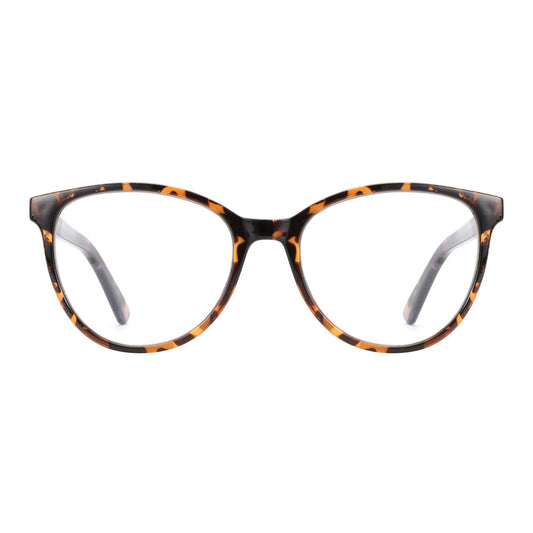
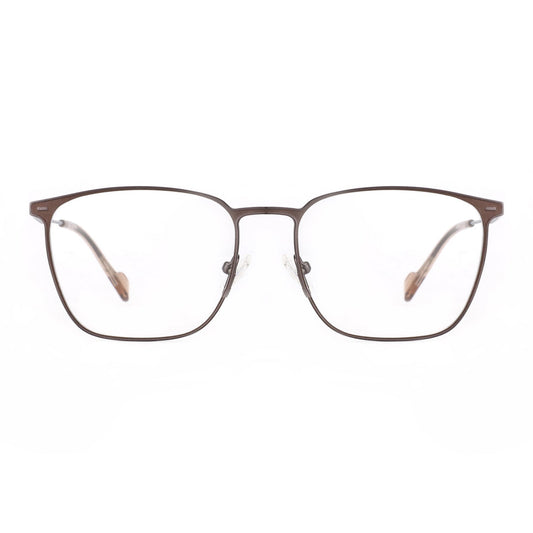
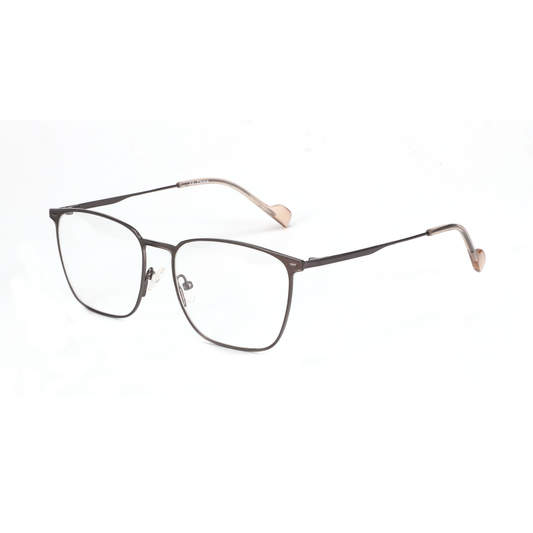
- Lightweight, comfortable frames that fit well during long sessions
- Clear or very lightly tinted lenses to preserve color accuracy for design or coding work
Avoid heavy tints that could distort colors or dim your view of code, charts, or design tools. For programmers and designers, maintaining accurate color perception is often more important than strong tinting.
If you do not need vision correction, non-prescription glasses with premium AR coatings can still provide a noticeable reduction in reflections and perceived fatigue.
Illustrative comparison of lens options for multi-monitor eye strain
Illustrative comparison of lens options for multi-monitor eye strain
Illustrative comparison based on professional guidance
View chart data
| Series | Glare reduction | Clarity for multiple distances | Color accuracy | Comfort in mixed lighting | Cost | Evidence strength |
|---|---|---|---|---|---|---|
| AR coating | 9.0 | 6.0 | 9.0 | 8.0 | 6.0 | 9.0 |
| Blue-light filter | 4.0 | 5.0 | 6.0 | 5.0 | 6.0 | 4.0 |
| Computer/progressives | 3.0 | 9.0 | 8.0 | 6.0 | 4.0 | 7.0 |
| No special lenses | 1.0 | 7.0 | 10.0 | 4.0 | 10.0 | 3.0 |
Heuristic 1-10 scores synthesized from professional guidance: AR coatings are strongest for glare/reflections; computer/progressive lenses are most relevant when prescription and screen distances differ; blue-light filtering has a limited and bounded role; no special lenses are lowest-cost and avoid optical tradeoffs. Values are illustrative, not measured data.
This radar chart offers an illustrative view based on professional guidance rather than clinical trial data. Anti-reflective coatings consistently rank high for glare reduction and evidence strength, while computer/progressives excel at handling multiple screen distances.

When to Consider Prescription Computer Glasses
If you already wear glasses for distance or reading, a separate pair tuned for screen distance can reduce the need for constant head tilting or squinting across monitors. This is especially relevant for users with higher prescriptions or presbyopia.
No pair of glasses can be promised to eliminate headaches, dry eyes, or fatigue on its own. Results depend heavily on your overall setup, lighting, screen settings, and taking regular breaks.
Don’t Buy Yet Checklist
Do not buy specialized glasses first if your discomfort changes significantly with screen distance, text size, brightness, or monitor placement. These patterns usually indicate a setup or prescription issue.
Consider setup and vision checks before purchasing:
- Confirm your current prescription is up to date and appropriate for intermediate distances.
- Adjust monitor height, angle, brightness, and ambient lighting first.
- Test whether strain improves with the 20-20-20 rule and increased blinking.
- Evaluate whether glare from windows or lights is the dominant problem.
- Only then consider AR-coated glasses or computer-specific lenses.
This heuristic helps avoid unnecessary purchases when basic ergonomic changes deliver better results.
Practical Buying Guidance for Performance Eyewear
Look for frames that feel light and secure during long sessions. Adjustable nose pads and spring hinges help maintain comfortable fit without pressure points.
For non-prescription users, clear-lens options with premium AR coatings offer a low-commitment way to test reflection reduction. Many modern performance frames are designed to look professional in office or remote-work settings.
When shopping, prioritize lens quality and coatings over marketing claims about blue light. The most useful benefit for multi-monitor users usually comes from reduced reflections and proper focal distance rather than strong filtering.
Complementary Habits for Long Deep-Work Sessions
Even the best glasses work best alongside good habits. Keep your screens clean, maintain proper posture, and ensure your chair and desk support neutral positioning. Low-glare lighting and window control can reduce screen-related eye discomfort.
Professional guidance consistently shows that a combined approach—environment, behavior, and appropriate eyewear—delivers the most reliable comfort.
Important note on eye comfort and health: This article discusses setup advice and lens features that may improve perceived visual comfort during screen work. It does not constitute medical advice, diagnosis, or treatment. Glasses cannot replace proper vision care or address underlying eye conditions. If you experience persistent discomfort, headaches, blurred vision, or other symptoms, consult a qualified eye care professional for personalized evaluation.
The right combination of anti-reflective lenses, proper prescription (when needed), and thoughtful workstation setup can make long multi-monitor days noticeably more comfortable. Start with the fundamentals—lighting, positioning, and breaks—then add lenses that specifically target reflections and focal demands. This measured approach helps knowledge workers and creative professionals sustain deep focus without unnecessary expense or unrealistic expectations.
